
Capture → Upload → Visualise with Google NotebookLM
“How can we define the skills to design learning that is collaborative?”

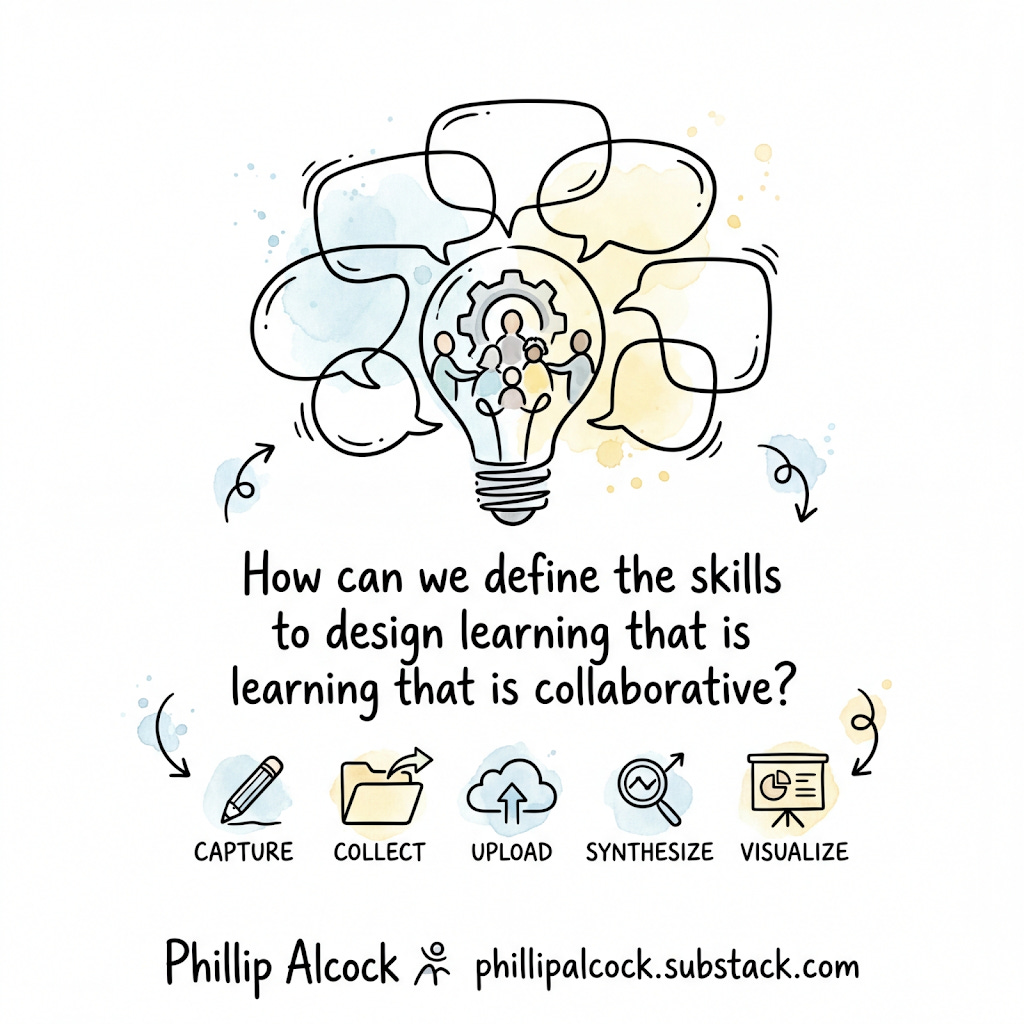
The Core Question
“How can we define the skills to design learning that is collaborative?”
This question is given to every staff member or group. Their responses become your data. NotebookLM synthesises them. Cowork turns the synthesis into a professional slide deck with real graphs.
Overview
1. Capture Staff respond using the visible thinking template Paper / Google Form / Shared Doc
2. Collect Responses are exported into a single text or Google Doc Google Drive
3. Upload All responses uploaded to a single NotebookLM notebook NotebookLM
4. Synthesise NotebookLM analyses themes, strengths, and gaps NotebookLM
5. Visualise Cowork turns analysis into a slide deck with graphs Cowork + Prompt below
Phase 1: Capture - Running the Visible Thinking Routine
Time required: 15–20 minutes Group size: Works for individuals, pairs, or table groups Cognitive level: Surface → Deep (staff unpack their own mental models)
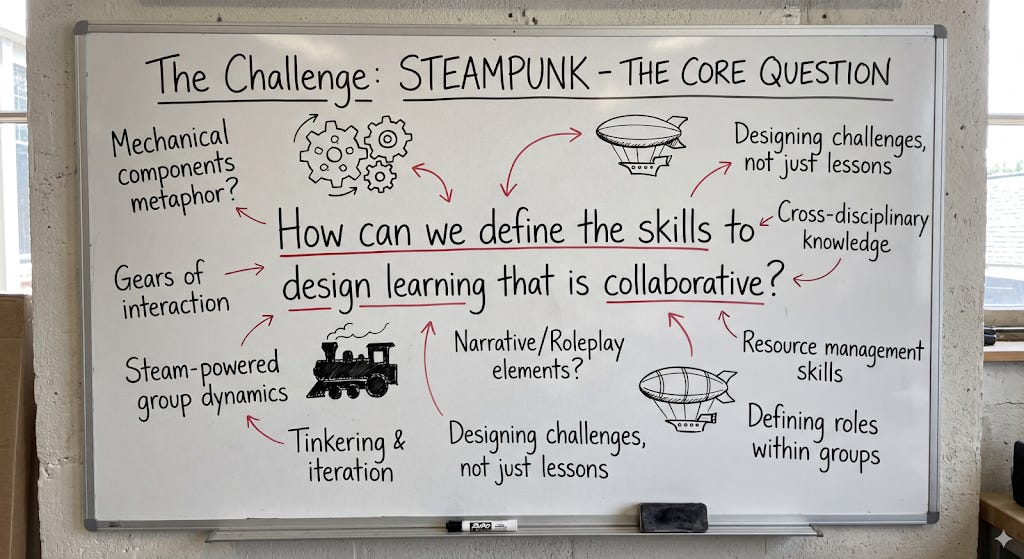
Facilitation Steps
Display the core question on a screen or whiteboard.
Give each person (or group) a copy of
template.md. (Check the end of this article for the md (markdown templates)Give 5 minutes silent thinking time - no discussion yet.
Allow 10 minutes of table talk to compare responses.
Each group nominates one key idea to share with the whole room.
Collect all completed templates - digitise them or photograph them.
Constraints for facilitators
Do NOT explain what “collaboration” means before they write, you want their current mental model, not yours.
Do NOT ask them to agree with each other, divergence is useful data.
If someone says “I don’t know,” prompt: “What does it look like when collaboration goes wrong? Start there.”
Cognitive challenge level
This is deliberately set at surface-to-deep transfer, staff are not being asked to learn new content. They are being asked to make visible what they already implicitly know and believe. The discomfort many feel is the data point.
Phase 2: Collect - Preparing for NotebookLM
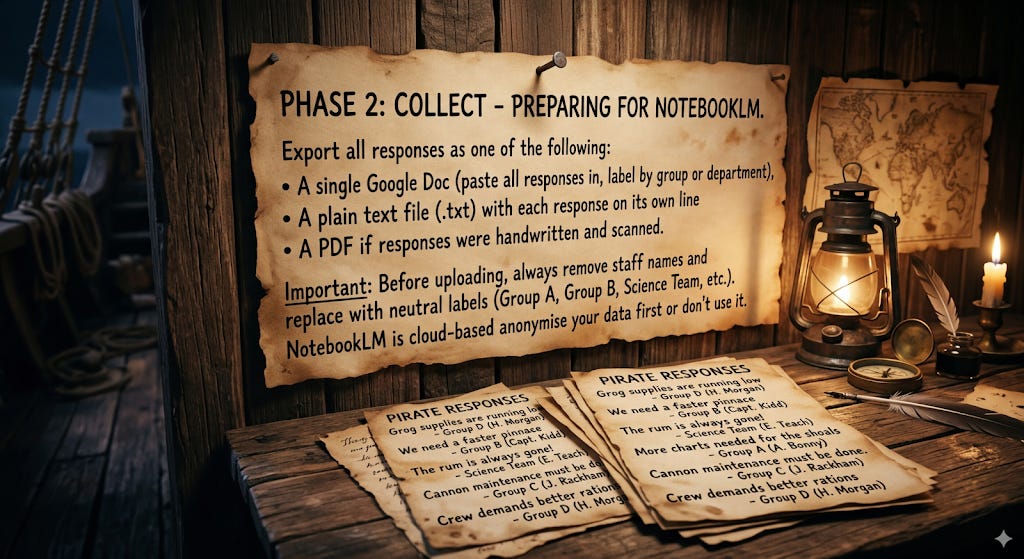
Export all responses as one of the following:
A single Google Doc (paste all responses in, label by group or department)
A plain text file (.txt) with each response on its own line
A PDF if responses were handwritten and scanned
Important: Before uploading, always remove staff names and replace with neutral labels (Group A, Group B, Science Team, etc.). NotebookLM is cloud-based anonymise your data first or don’t use it.
Phase 3: Upload - Building the NotebookLM Notebook
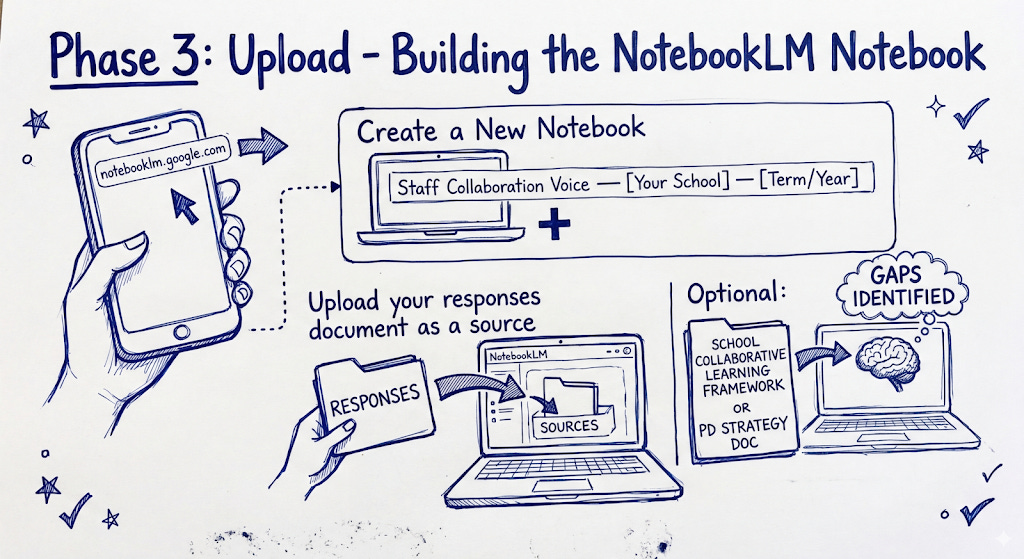
Go to notebooklm.google.com
Create a new notebook titled: “Staff Collaboration Voice — [Your School] — [Term/Year]”
Upload your responses document as a source.
Optional: also upload your school’s collaborative learning framework or PD strategy doc as a second source (this gives NotebookLM context to identify gaps against).
Phase 4: Synthesise - The NotebookLM Slide Deck Prompt
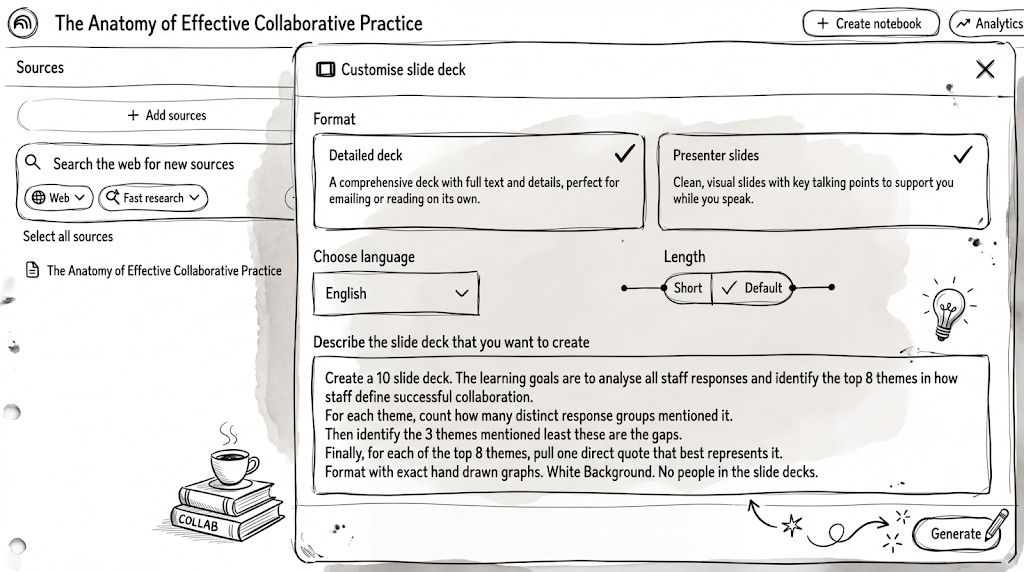
Once your sources are uploaded, type this into the NotebookLM custom slide deck instructions:
Create a 10 slide deck. The learning goals are to analyse all staff responses and identify the top 8 themes in how staff define successful collaboration.
For each theme, count how many distinct response groups mentioned it.
Then identify the 3 themes mentioned least these are the gaps.
Finally, for each of the top 8 themes, pull one direct quote that best represents it.
Format with exact hand drawn graphs. White Background. No people in the slide decks.
After the Deck Is Built
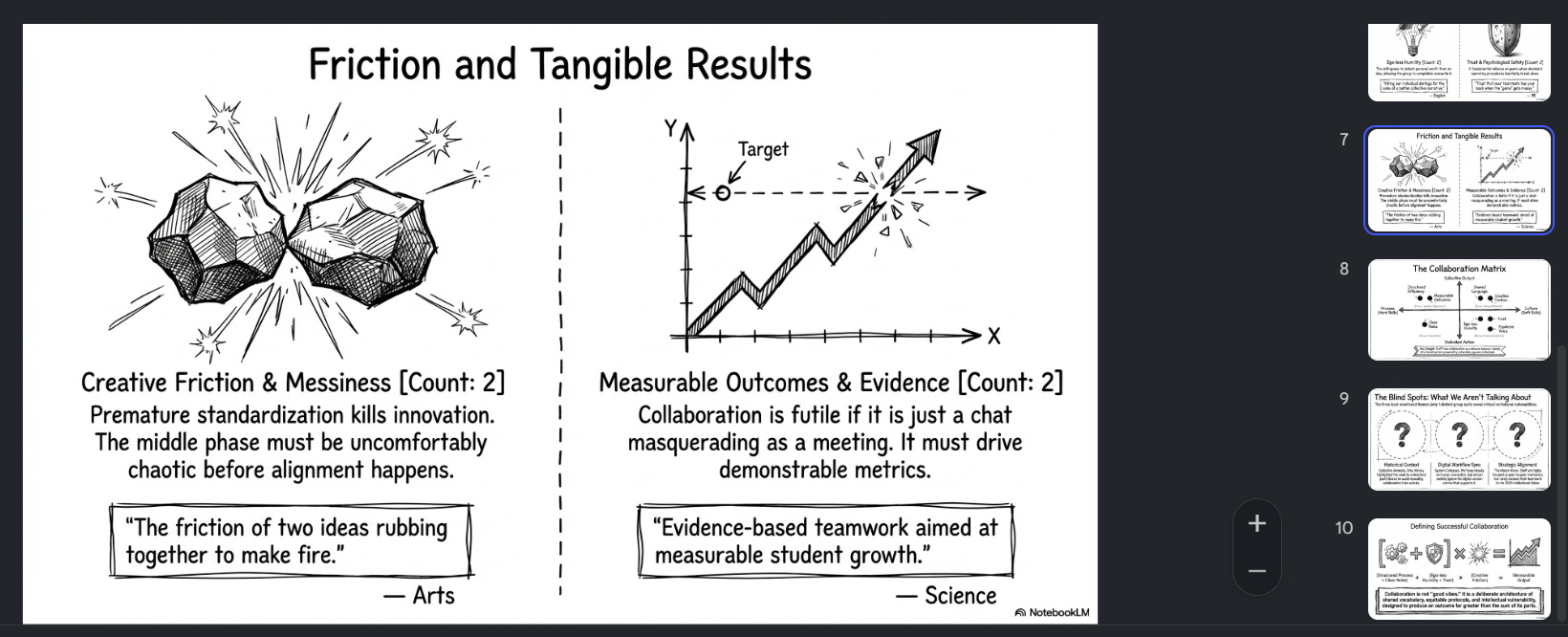
Present the deck at your next whole-staff or leadership meeting. The goal is not to have the right answers, it is to make staff thinking visible and use it as the foundation for PD design. Staff should recognise their own words in the quotes slides. This is the moment the workflow becomes collaborative rather than consultative.
MD Files:
template.md
Staff Visible Thinking Template
Collaboration Diagnostic — [School Name] — [Term/Year]
Your group / department: ______________________________
Date: ______________________________
The Question
“How can we collaborate successfully to define the skills to design learning that is collaborative?”
Take 10 minutes to answer the prompts below individually. There are no right answers. Your honest thinking is the data.
Section 1: What I Currently Believe
When I think of successful collaboration, I believe it requires...
Write 3–5 things. Be specific, avoid single words like “trust” or “communication.” Describe what those things look like in practice.
Section 2: Where I’ve Seen It Work
A time I experienced or observed genuine collaboration was...
Describe briefly. What made it work? What was actually happening?
The skill or condition that made the biggest difference in that moment was:
Section 3: Where It Breaks Down
Collaboration in my experience most often fails because...
The skill that is most often missing when collaboration breaks down is:
Section 4: Designing Collaborative Learning
When I think about designing learning that is genuinely collaborative for students, the hardest part is...
What I would need from my colleagues, from leadership, from professional development to get better at this is:
Section 5 — One Sentence
If I had to define “successful collaboration” in one sentence for our school, it would be:
Thank you. Your responses will be anonymised and used to shape our professional development design. You will see your thinking reflected back in our next all-staff session.
After the Presentation The Rebuild
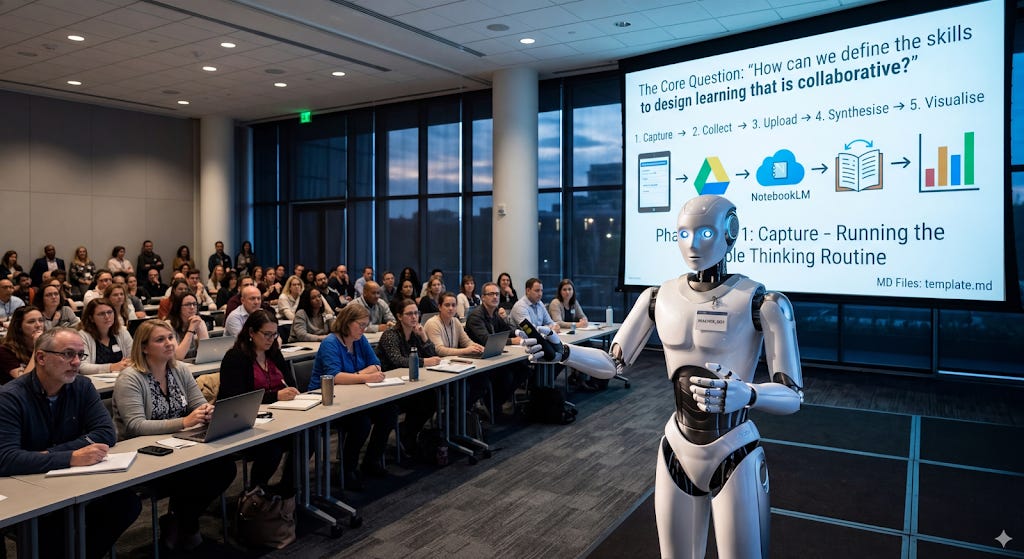
The final step is the most important one. After staff have seen their own thinking reflected back through the graphs and quotes, ask them to return to their original template and answer one final question:
“After seeing the full picture of what our staff believes what would you keep, change and remove to your original response?”
Phil